What's new in Excel 2016 for Windows
Excel 2016 for Windows has all the functionality and features you're used to, with some added features and enhancements. Here are three of some of the top new and improved features for Excel 2016.
Funnel charts
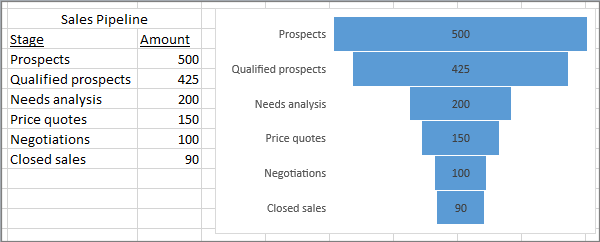
Funnel charts show values across multiple stages in a process. Typically, the values decrease gradually, allowing the bars to resemble a funnel. Read more about funnel charts here.
Improved autocomplete
Excel autocomplete isn't as picky as it was before. For example, let's say you want to use the NETWORKDAYS function, but you can't remember how it is spelled. If you just type =DAYS, the autocomplete menu will bring back all of the functions that contain "DAYS," including, NETWORKDAYS. (Before, you had to spell the function name exactly.)
Six new chart types
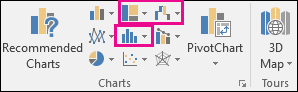
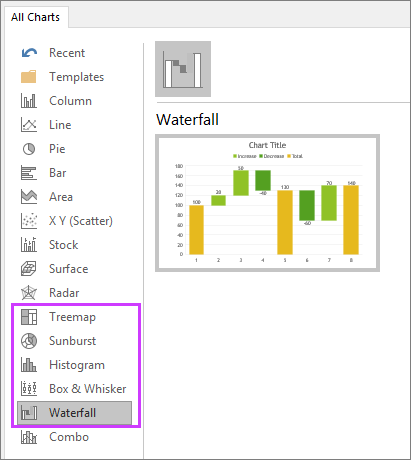
Visualizations are critical to effective data analysis as well as compelling storytelling. In Excel 2016, we've added six new charts—with the same rich formatting options that you are familiar with—to help you create some of the most commonly used data visualizations of financial or hierarchical information or for revealing statistical properties in your data.
Click Insert Hierarchy Chart on the Insert tab to use the Treemap or Sunburst chart, click Insert Waterfall or Stock Chart for Waterfall, or click Insert Statistical Chart for Histogram, Pareto, or Box and Whisker.
Or click Recommended Charts > All Charts to see all the new charts.