Change the Official Version of a Document
Question: I need to make a prior version the “official version.” How do I do that?
Answer: In List view, click the version link directly below the document title to open the Versions window. Select the version you wish to make the official version, then click Details.

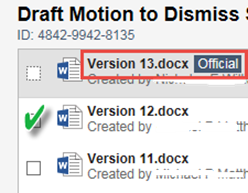
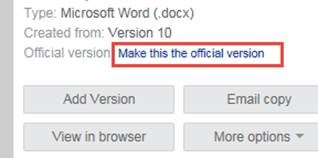
In the Version Details dialog box check Official Version, provide an explanation, then click OK. An explanation or description is essential to communicate to other users why the official version was changed.
Submitted by
Tina Rodriguez, Foley & Lardner LLP