NetDocuments Tip
What does that little blue star mean?
The little blue star next to items in a List view is called a “Gleam.”
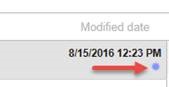
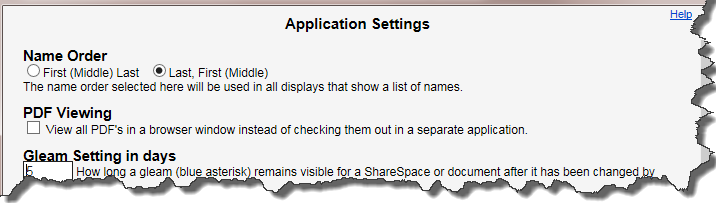
The gleam icon indicates that a document has been edited by another user within a certain time frame. By default, that time frame is set to 7 days. If you want to change the gleam period, click Settings | Application Settings. Enter a different number, or enter 0 to turn the feature off entirely, then click Close.